
Login problems
Check the account details, keyboard language, connection and current login screen. If recovery is available, use the platform's own recovery process.
Step-by-step checks for common login, app, APK, payment, withdrawal and account problems.
Check the account details, keyboard language, connection and current login screen. If recovery is available, use the platform's own recovery process.
Check Android compatibility, storage and file integrity. Re-download from a trusted source rather than using a modified package.
Restart the device, check for an available update and confirm that the device meets current requirements. Avoid repeatedly installing unknown builds.
Test the network, switch between reliable connections if appropriate and check whether other apps are consuming bandwidth.
Confirm that the device has internet access and that the service is not showing a maintenance message. Try again later if the issue is clearly server-side.
Keep the transaction reference and check the current payment status. Avoid submitting duplicate payments while the first transaction is unresolved.
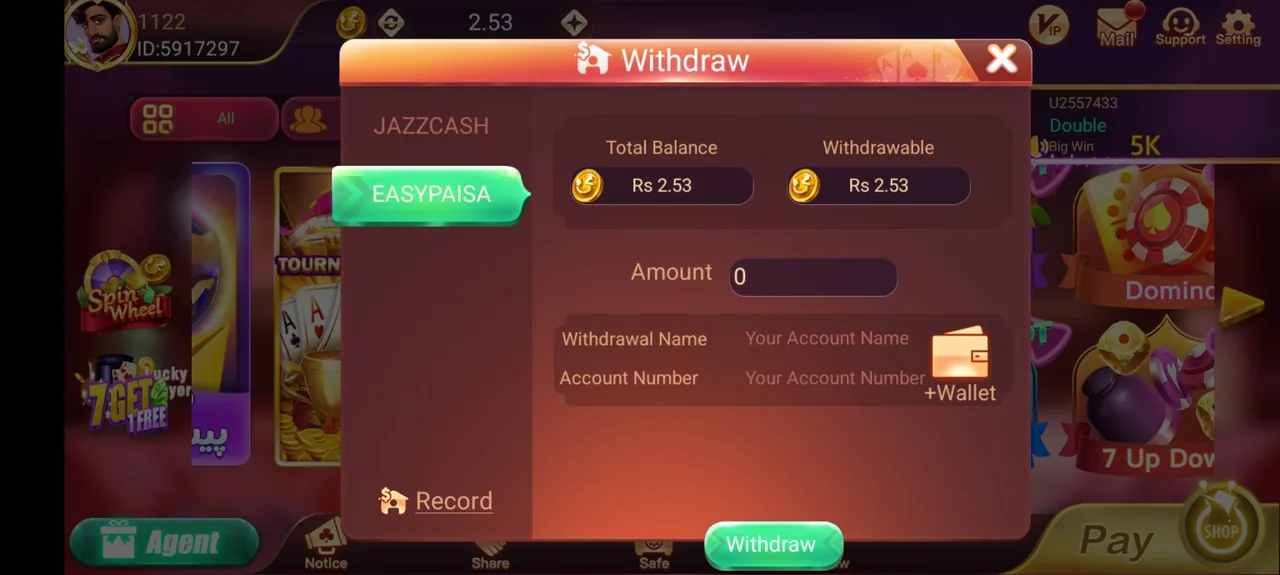
Review the withdrawal status and current requirements. If support is needed, provide the request reference rather than sending repeated requests.
Check storage, Android compatibility and the source of the update. Do not replace a trusted installation with an unverified modified version.
Follow the current verification instructions and use only the official account workflow. Do not send identity documents to random support accounts.
Use the password-recovery route shown on the current login screen where available. Never share a recovery code with another person.
Contact support when the issue involves an account state, a transaction reference, a verification decision or another server-side matter you cannot change locally. Keep the relevant details ready, but remove passwords and one-time codes from anything you send.